01
Performers, groups and projects managed through separate calendars, chats and spreadsheets
BandCalendar helps entertainment agencies, live-entertainment companies and organizations coordinating many performers manage numerous lineups and projects, clients, events, documents and finances through a multi-user team with granular permissions.
In this page
Common friction
Performers, groups and projects managed through separate calendars, chats and spreadsheets
Operational information fragmented across sales, administration and event managers
Permissions that are too broad or shared access that does not reflect different roles
Quotes, contracts and versions that are difficult to trace back to the right client and event
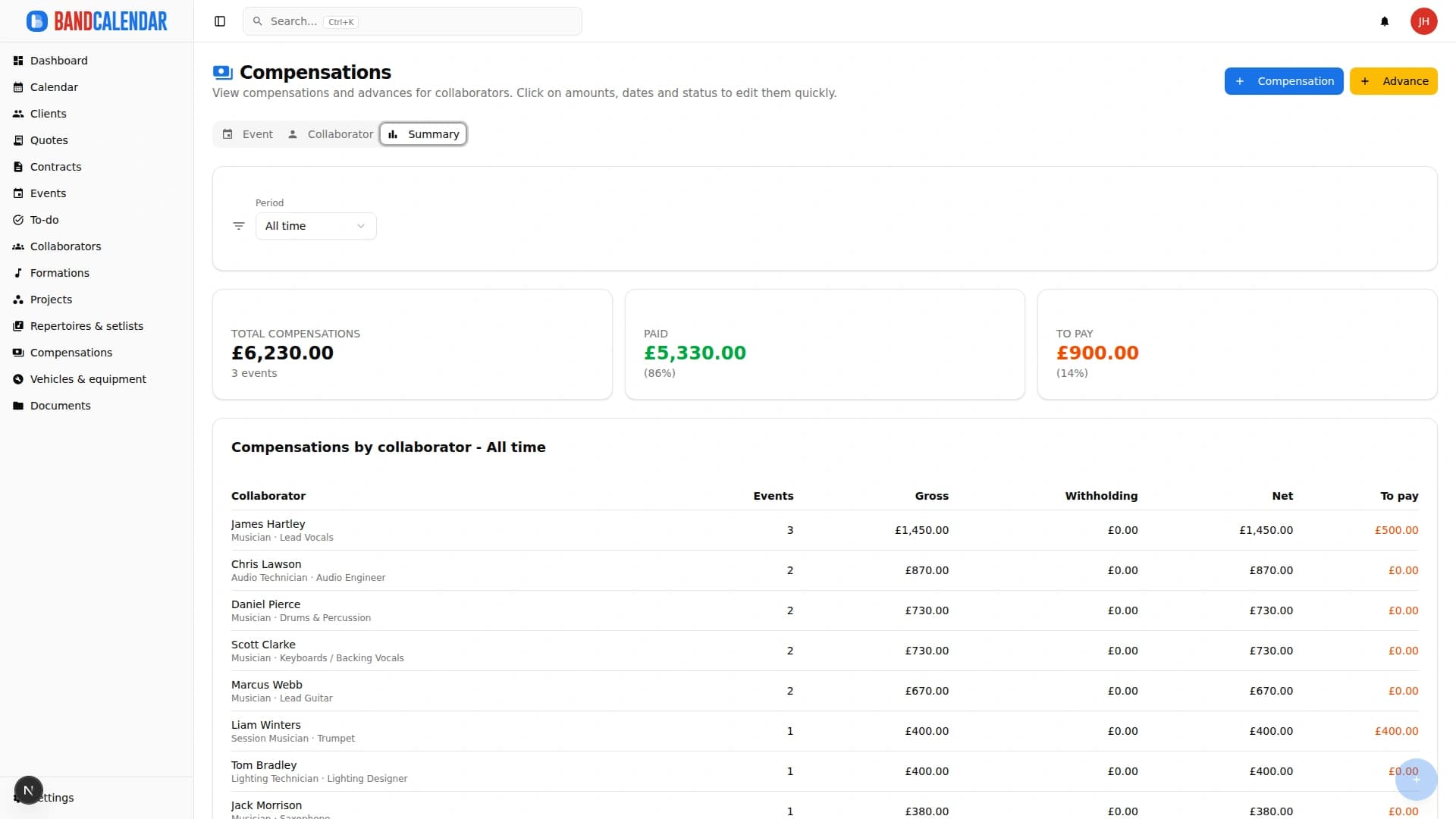
Income, deposits, balances and performer payments tracked through manual procedures
Definition
Entertainment agency management software brings performers, collaborators, lineups, projects, clients, events, quotes, contracts, documents, permissions and payments into one shared workspace. It helps entertainment agencies and live-entertainment companies replace separate calendars, spreadsheets, chats and folders with a structured operational workflow, from the first enquiry to final settlement.
Workflow
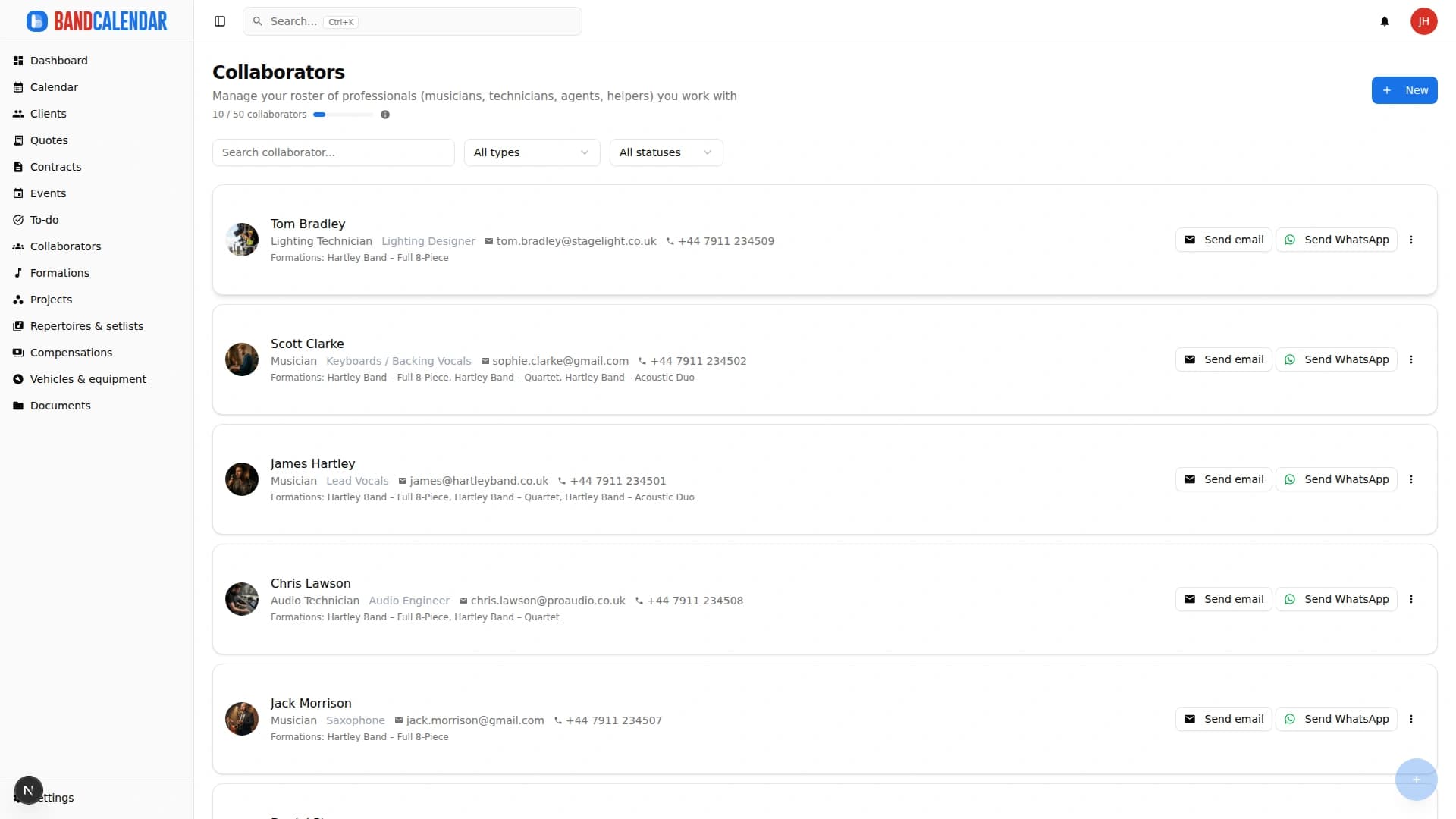
Invite users and assign granular permissions according to operational and administrative responsibilities.
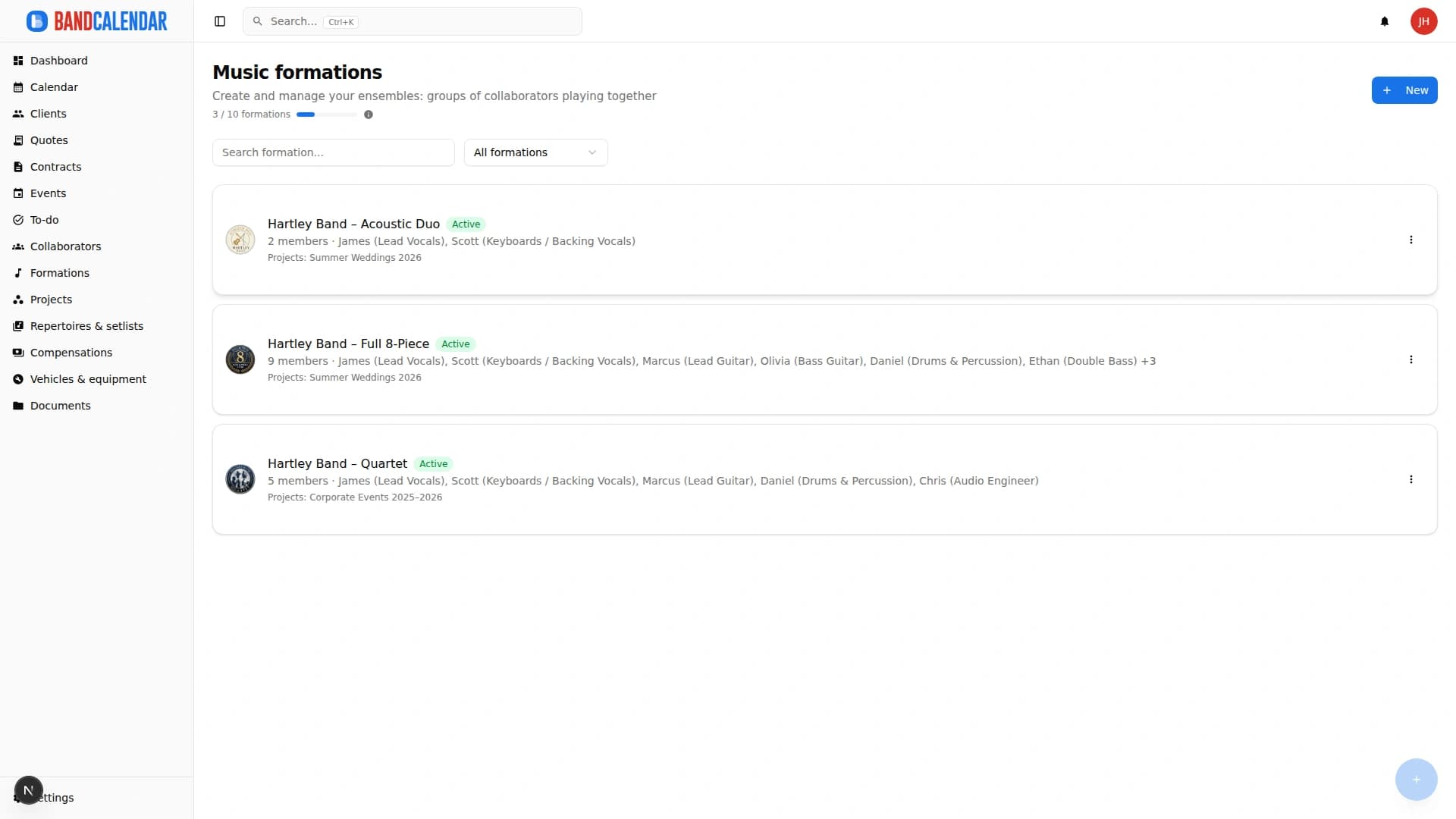
Structure different collaborators, lineups and projects without mixing personnel, repertoires and materials.
Connect inquiries, contacts, pipeline, quotes and history to the same client record.
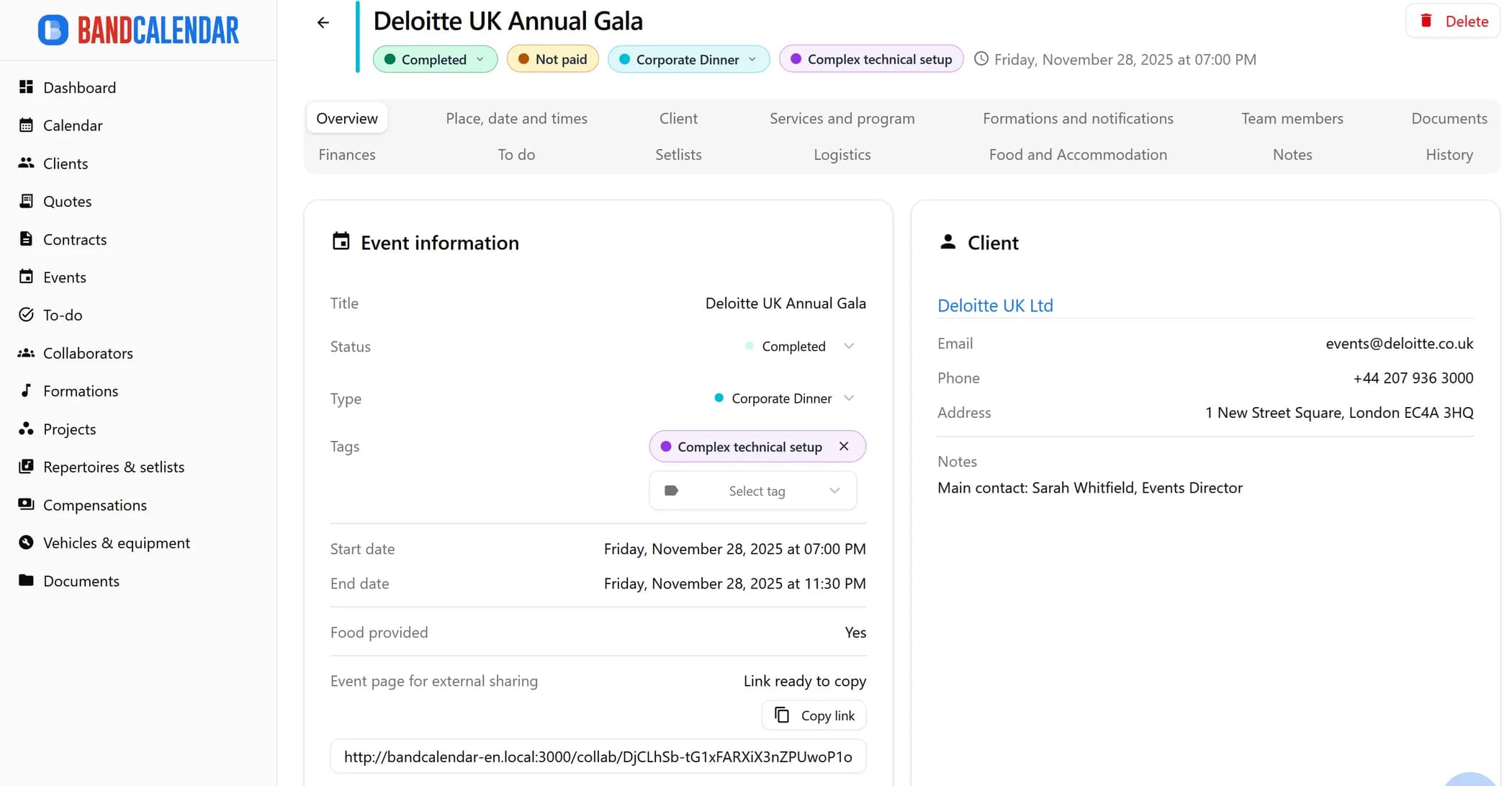
Bring venue, dates, schedule, lineups, notifications, documents, logistics, tasks and notes into the event record.
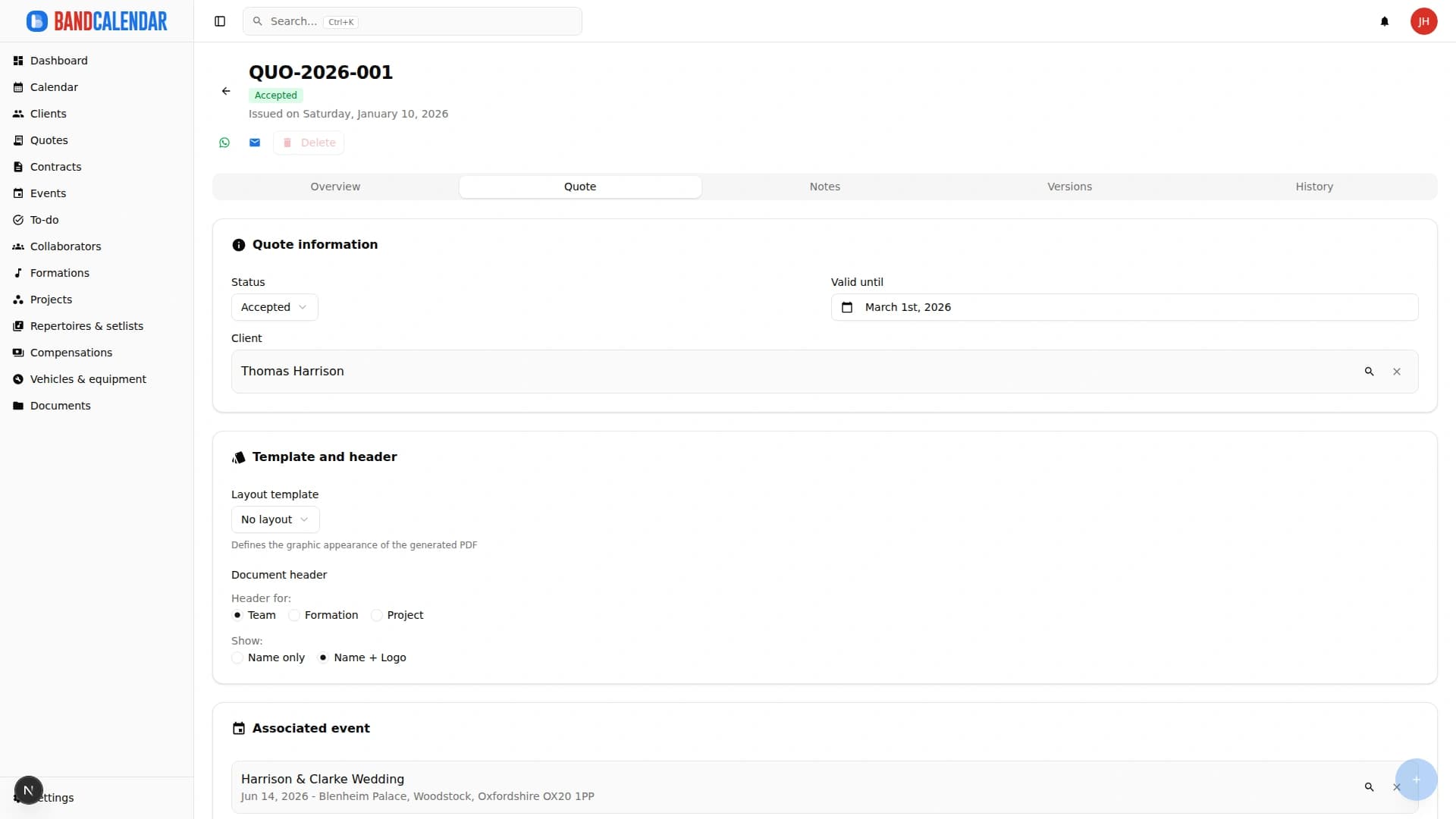
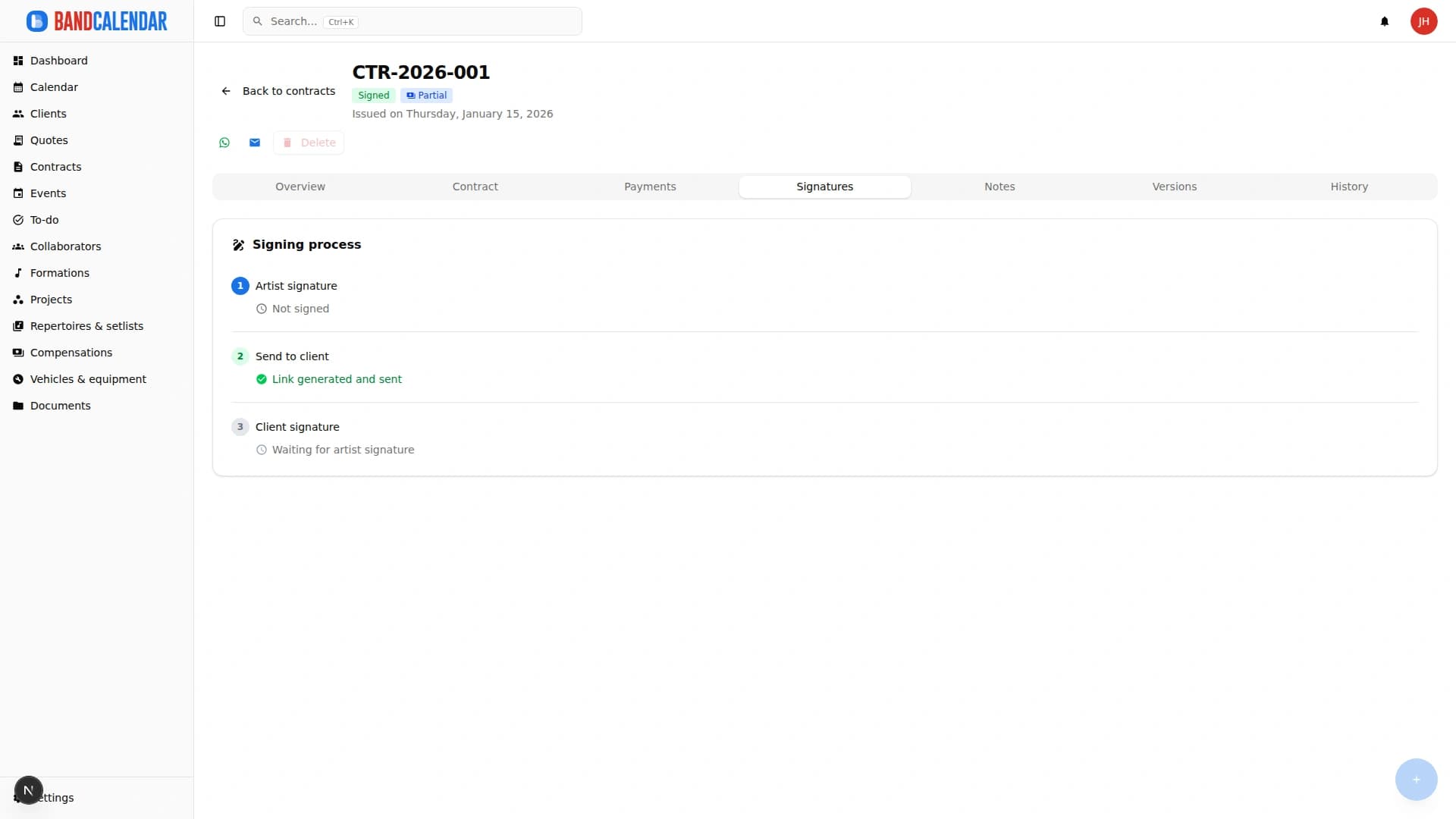
Send quotes and contracts for approval with a simple electronic signature, retain versions and record income and performer payments.
Connected features
Product screenshots
Try the workflow
Use the free plan to reproduce this workflow with your real clients, events, documents and collaborators.
Start by setting up
Internal links
Manage the band's real lineup: core musicians, substitutes, extra collaborators, roles, instruments, lineups, projects, linked events, payments, documents and different team permissions.
Every BandCalendar event is a full operational record: client, commercial overview, services and programme, lineups and notifications, documents, Finances, to-dos, setlists, logistics, food and accommodation, notes and history.
An operational calendar for musicians and bands that connects sales pipeline, clients, gigs, rehearsals, tasks, reminders, lineups, documents, Excel export and personal Google Calendar and Apple Calendar/iCloud sync.
Create professional quotes and contracts for music services from separate content and layout templates, with rich text editing, preview-consistent PDFs, services and expense reimbursements, online quote acceptance, public links and click-to-accept simple electronic signature without a client account.
Track event money on two clear layers: client collections and customer refunds (commercial documents and the Finances tab), and collaborator fees with advances, line items, withholding and expense reimbursements. Summaries by period, event or musician.
Organize PDFs, riders, contracts, quotes, images, audio, video, versions and public links in a cloud archive connected to clients, events, collaborators, lineups and projects, with contextual upload dialogs, PWA offline and controlled collaborator visibility on the event.
Invite members to the team and decide what they can see and do: default and custom roles with per-area permissions, visibility that can be limited to linked data and to the relevant lineups. The same account can belong to several teams and switch between them.
Write to clients from an event, a quote, a contract or the client page and find every email, with the replies, in the conversation of that client. The team mailbox has an inbox, unread messages and search; you can send to several clients at once, schedule a send and connect your own mailbox to write from your address.
Client directory with a Kanban sales pipeline, custom categories, additional contacts, statistics and import from CSV or Excel. Each client page gathers the events, quotes, contracts, documents and emails of that client, with email and WhatsApp actions in context.
Two separate tools: the data backup, to go back after a mistake with a restore guided by a preview, and the full archive with files, a ZIP with data, documents, photos and emails to browse in the browser, even offline and without BandCalendar.
FAQ
Yes. You can organize numerous collaborators, lineups and separate projects and connect them to events without mixing personnel, repertoires, documents and payments.
No. The multi-user team supports granular permissions, so access to areas and allowed operations can differ according to each role.
Yes. Quotes and contracts support templates, PDFs, versions and public links, and both can be sent to the client for approval with a click-to-accept simple electronic signature.
No. The client reviews the document through its public link and accepts it through an explicit click-to-accept action; BandCalendar records the evidence associated with the simple electronic signature.
No. PayPal and Stripe are available for purchasing a BandCalendar subscription and additional storage. Event income is recorded and monitored inside the management system.
Yes. You can record fees, withholding taxes, advances, payment status and summaries linked to collaborators and events.
Compare related workflows, then open the free plan when you are ready to test it on a real booking.