When the alternative is enough
- You only need a date and time reminder
- You do not need to share operational details with the team
- Contracts and payments are managed elsewhere
Google Calendar is perfect for remembering a date. BandCalendar is for bookings that include client, venue, lineup, quote, contract, setlist, documents, Finances and operational tasks — with personal Google and Apple Calendar overlays when you need availability.
Definition
Google Calendar excels at date and time. Music event management attaches client, lineup, documents, setlists and Finances to the booking. In BandCalendar you stay in the operational workflow and, if you want, connect your own Google Calendar or Apple Calendar/iCloud as a personal overlay without sharing private commitments with the team.
Comparison table
Try the comparison
Use a real booking to compare what stays connected: client, event, documents, music, collaborators and payments.
Start by setting up
Real product screens
Connected pages
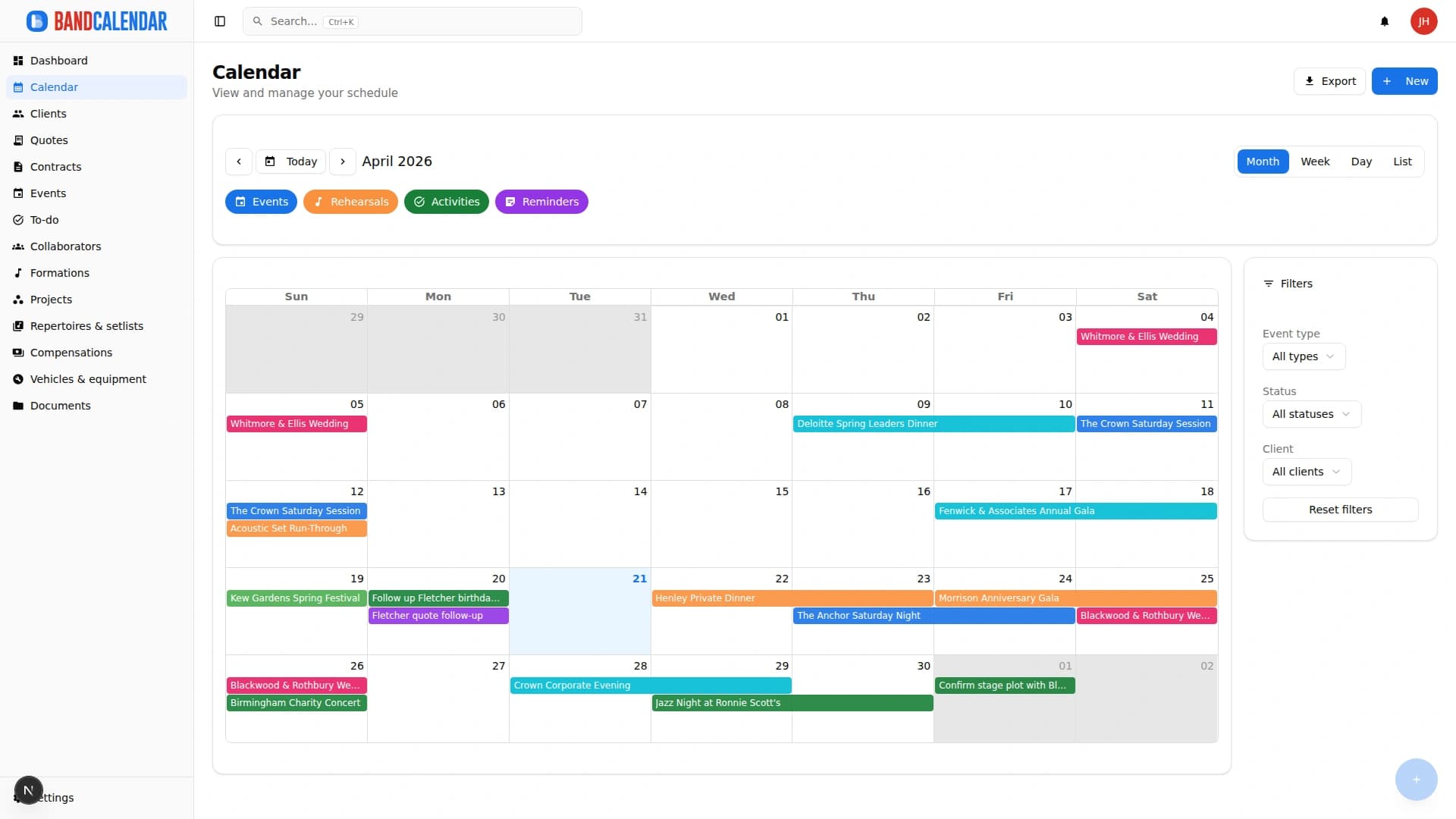
An operational calendar for musicians and bands that connects sales pipeline, clients, gigs, rehearsals, tasks, reminders, lineups, documents, Excel export and personal Google Calendar and Apple Calendar/iCloud sync.
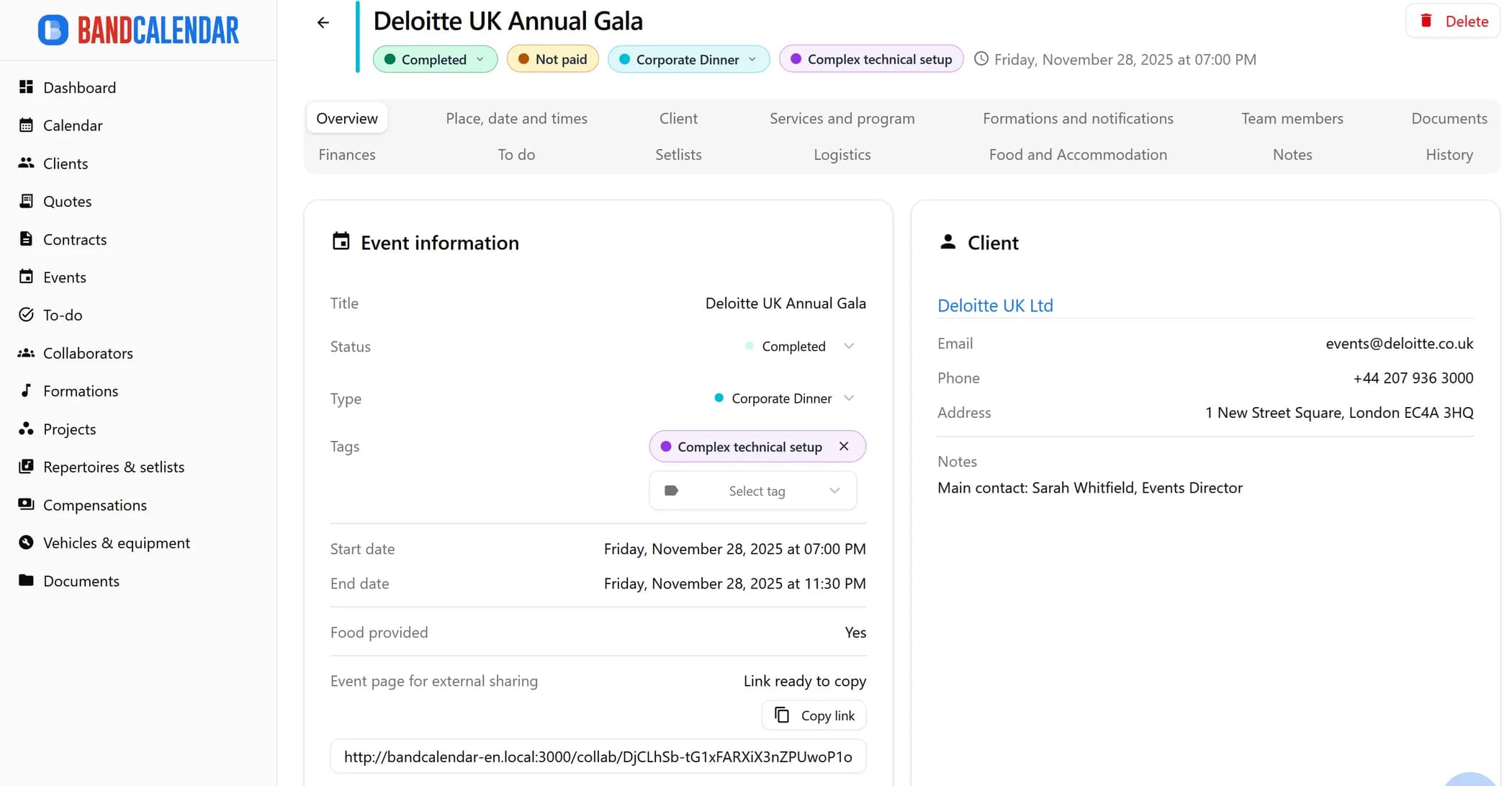
Manage the band's real lineup: core musicians, substitutes, extra collaborators, roles, instruments, lineups, projects, linked events, payments, documents and different team permissions.
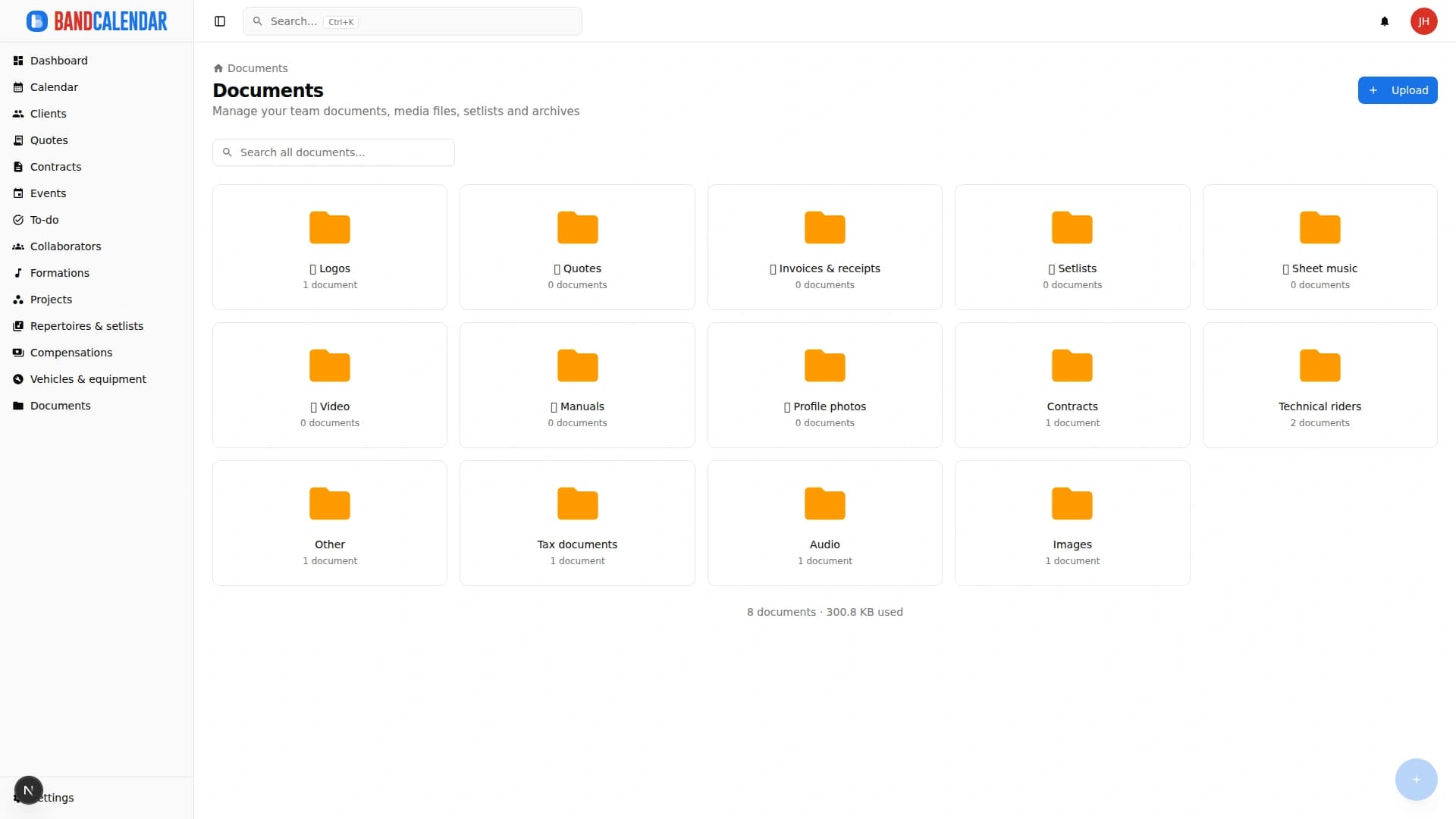
Organize PDFs, riders, contracts, quotes, images, audio, video, versions and public links in a cloud archive connected to clients, events, collaborators, lineups and projects, with contextual upload dialogs, PWA offline and controlled collaborator visibility on the event.
Track event money on two clear layers: client collections and customer refunds (commercial documents and the Finances tab), and collaborator fees with advances, line items, withholding and expense reimbursements. Summaries by period, event or musician.
FAQ
Not necessarily. You can connect Google Calendar and/or Apple Calendar/iCloud as a personal overlay and keep BandCalendar as the complete operational archive; private commitments stay only yours.
Because a free-form note does not connect quote, contract, Finances, setlist, documents and collaborators in a verifiable way.
Yes. The calendar manages gigs, rehearsals, tasks and reminders with different types and colors.
The comparison is useful, but the real difference is in connected quotes, events, documents, setlists and payments.