When the alternative is enough
- You have a small project and few dates
- You do not share data with other musicians
- Documents and payments are occasional
A band does not only need a calendar. It needs a system that connects contacts, deals, documents, gigs, musicians, repertoires, Finances and history. This page lists the essential criteria for choosing well.
Definition
Band management software should connect clients, pipeline, PDF quotes, contracts with click-to-accept simple electronic signature, event records, setlists and repertoires, documents, collaborators and Finances (collections, customer refunds, costs and fees). Isolated features are not enough: friction from enquiry to settlement must drop.
Comparison table
Try the comparison
Use a real booking to compare what stays connected: client, event, documents, music, collaborators and payments.
Start by setting up
Real product screens
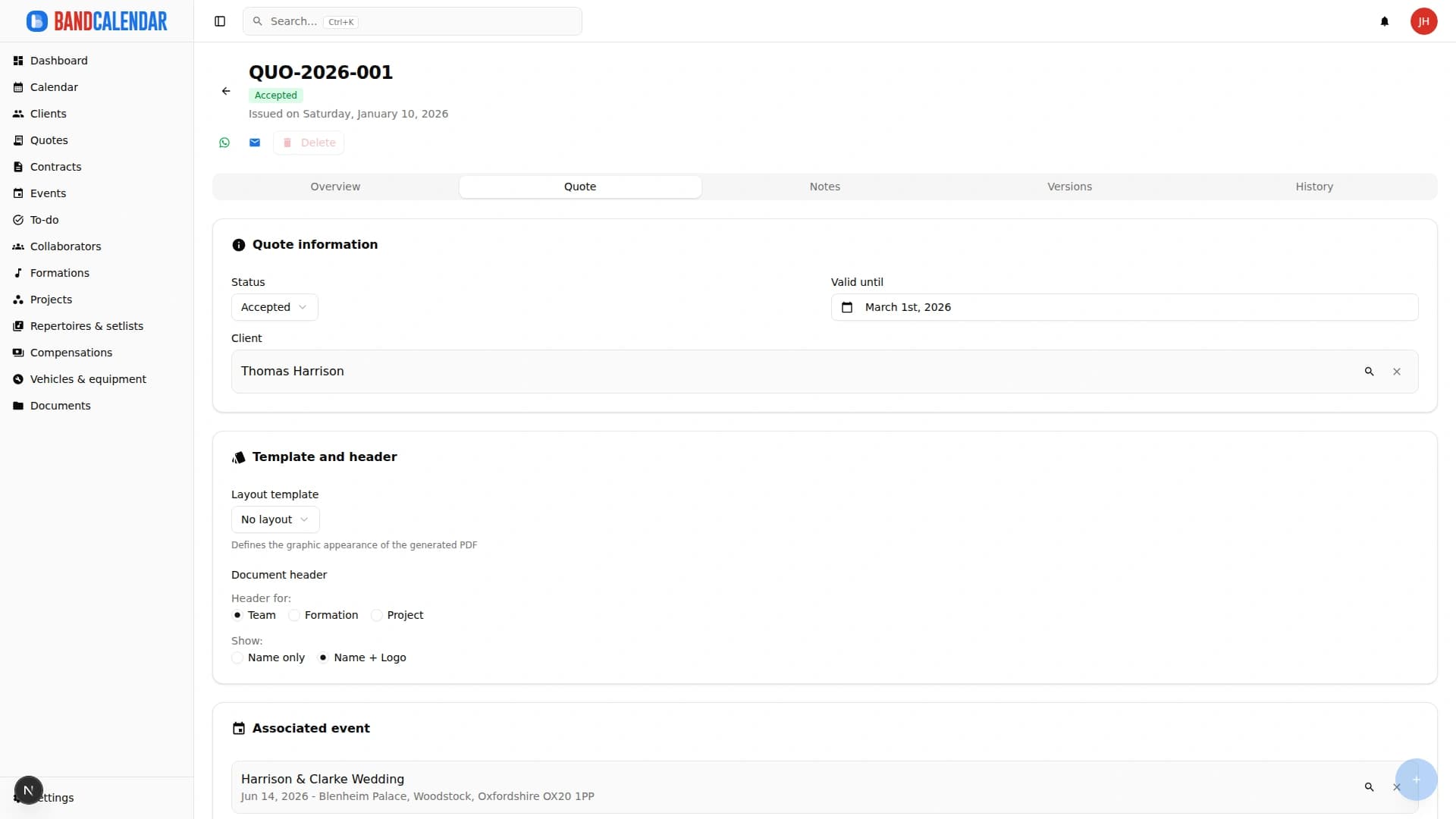
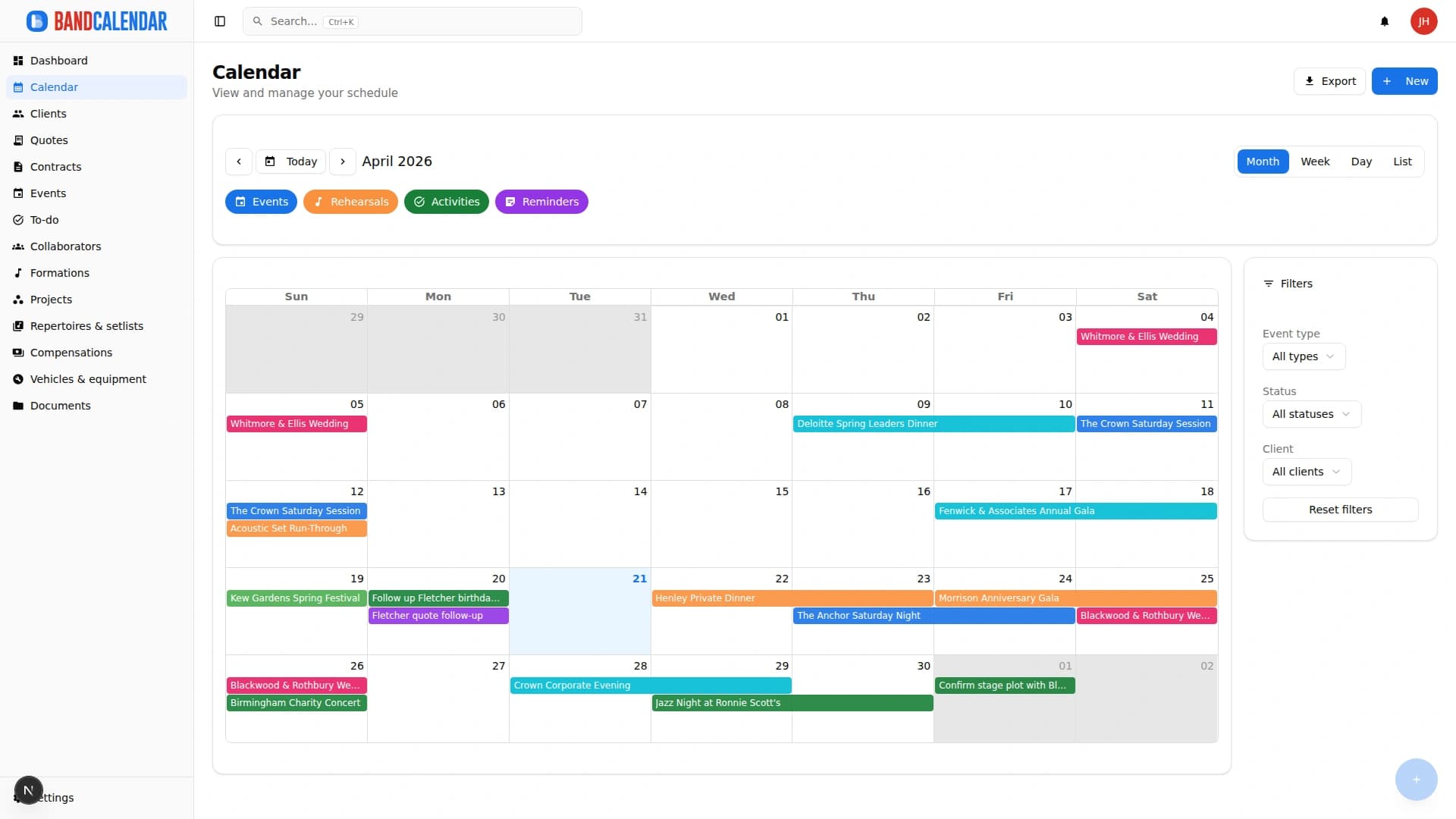
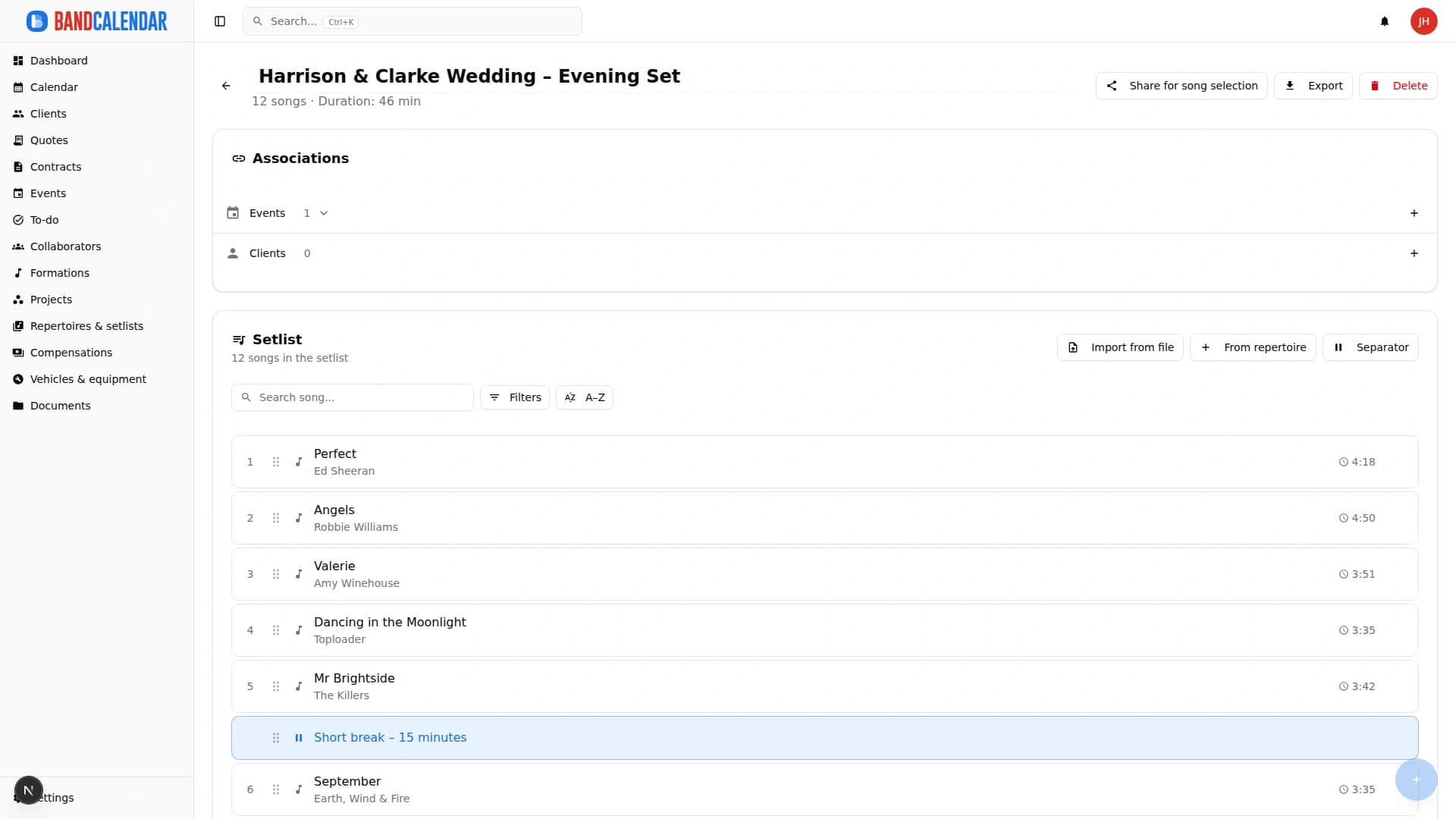
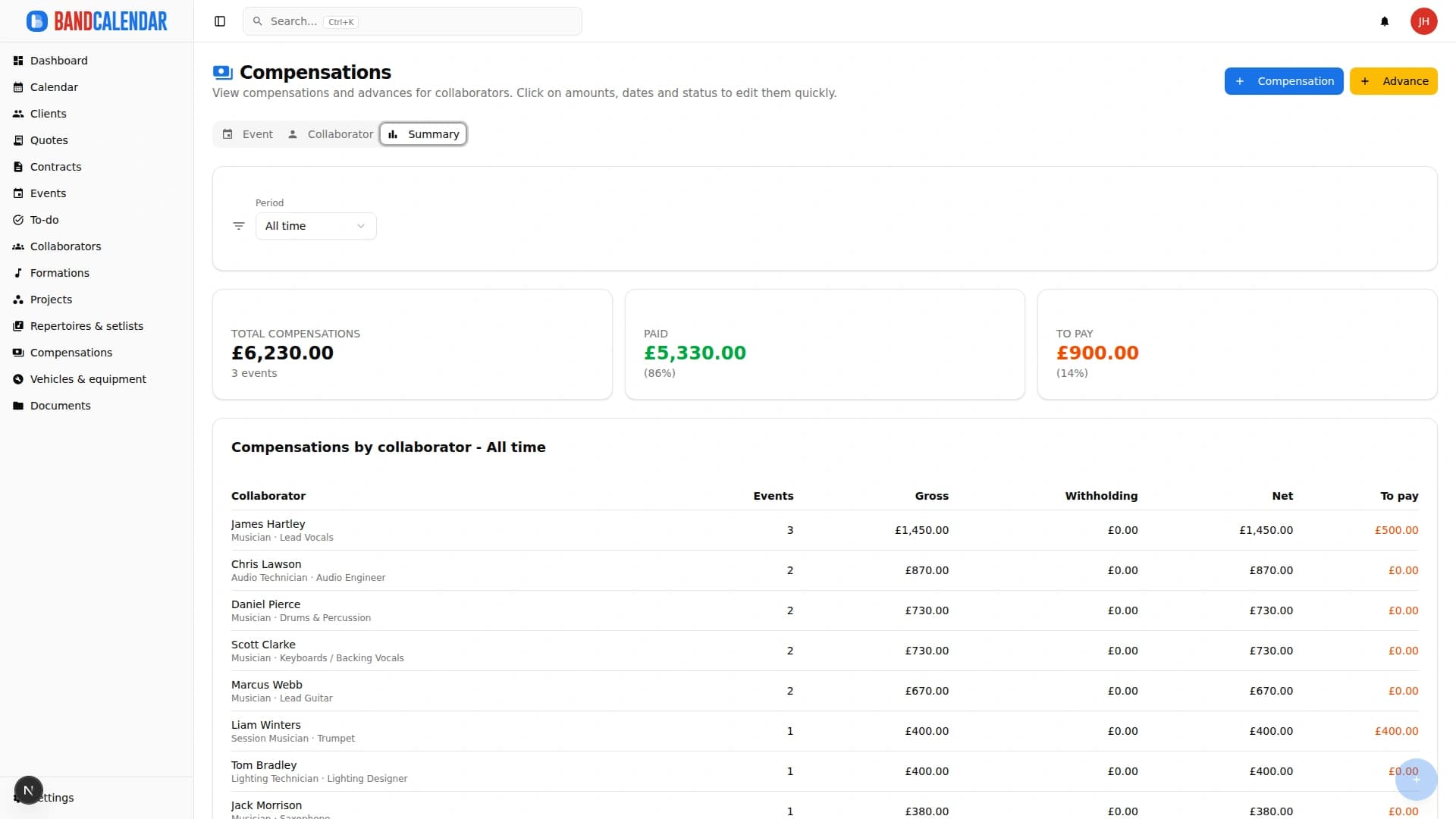
Connected pages
BandCalendar helps wedding bands and live musicians turn inquiries, quotes, contracts, repertoires, setlists, logistics and payments into one workflow that the whole team can use before, during and after the event.
Create professional quotes and contracts for music services from separate content and layout templates, with rich text editing, preview-consistent PDFs, services and expense reimbursements, online quote acceptance, public links and click-to-accept simple electronic signature without a client account.
An operational calendar for musicians and bands that connects sales pipeline, clients, gigs, rehearsals, tasks, reminders, lineups, documents, Excel export and personal Google Calendar and Apple Calendar/iCloud sync.
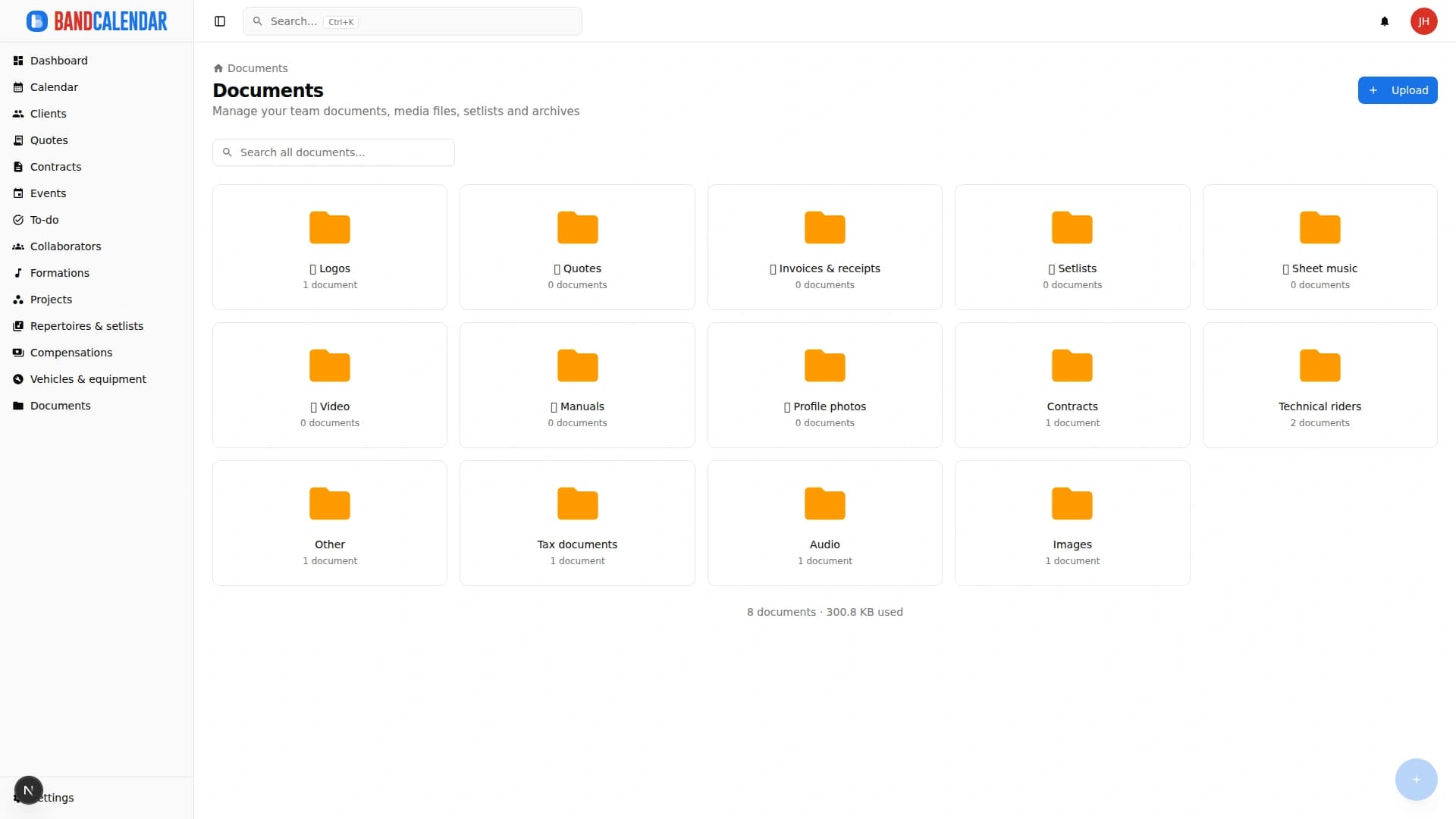
Organize PDFs, riders, contracts, quotes, images, audio, video, versions and public links in a cloud archive connected to clients, events, collaborators, lineups and projects, with contextual upload dialogs, PWA offline and controlled collaborator visibility on the event.
Track event money on two clear layers: client collections and customer refunds (commercial documents and the Finances tab), and collaborator fees with advances, line items, withholding and expense reimbursements. Summaries by period, event or musician.
Organize repertoires, song catalog, keys, notes, total duration, event setlists, song requests from the audience or client, exports and public shares in a workflow connected to events.
FAQ
Connected data. Useful management software does not just store information; it connects client, event, document, team and Finances.
Yes. A solo musician may use fewer modules, but still benefits from organized clients, calendar, documents, quotes, contracts and payments.
A generic suite is flexible; a vertical product reduces setup and maintenance because it is already built around music work.
The comparison is useful, but the real difference is in connected quotes, events, documents, setlists and payments.