When the alternative is enough
- You need an editorial board or simple checklist
- You have time to build and maintain custom templates
- You do not need linked PDFs, click-to-accept, Finances and music roles
Notion and Trello are flexible, but you have to design databases, boards, permissions and relationships from scratch. BandCalendar starts from the real work of musicians and bands: clients, events, documents, lineups, setlists, Finances and fees.
Definition
Notion and Trello are generic workspaces: useful for checklists and boards if you have time to build and maintain templates. Music management software already provides entities and flows for clients, events, PDF quotes, click-to-accept contracts, setlists, Finances and multi-user teams without reinventing the data model.
Comparison table
Try the comparison
Use a real booking to compare what stays connected: client, event, documents, music, collaborators and payments.
Start by setting up
Real product screens
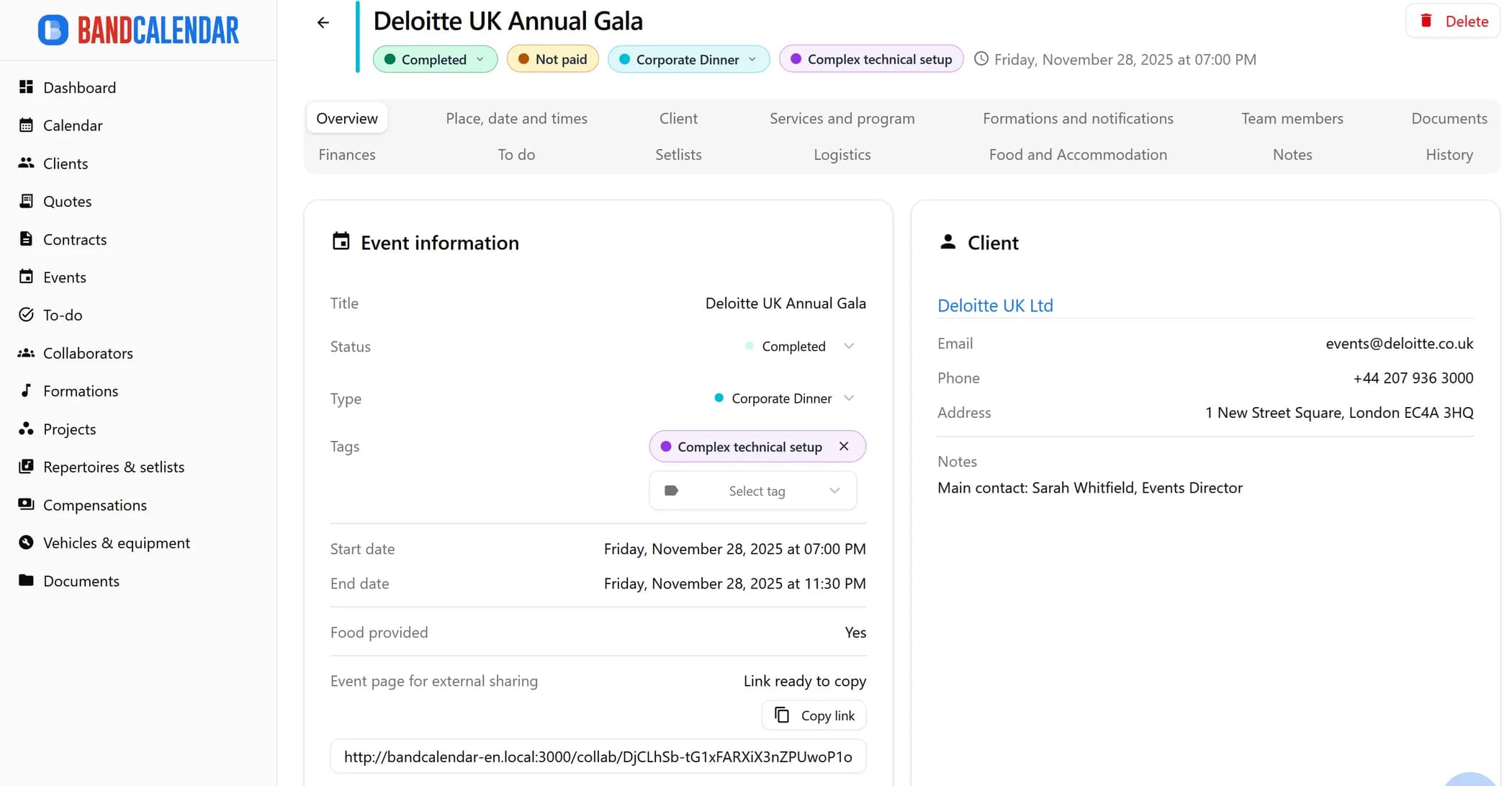
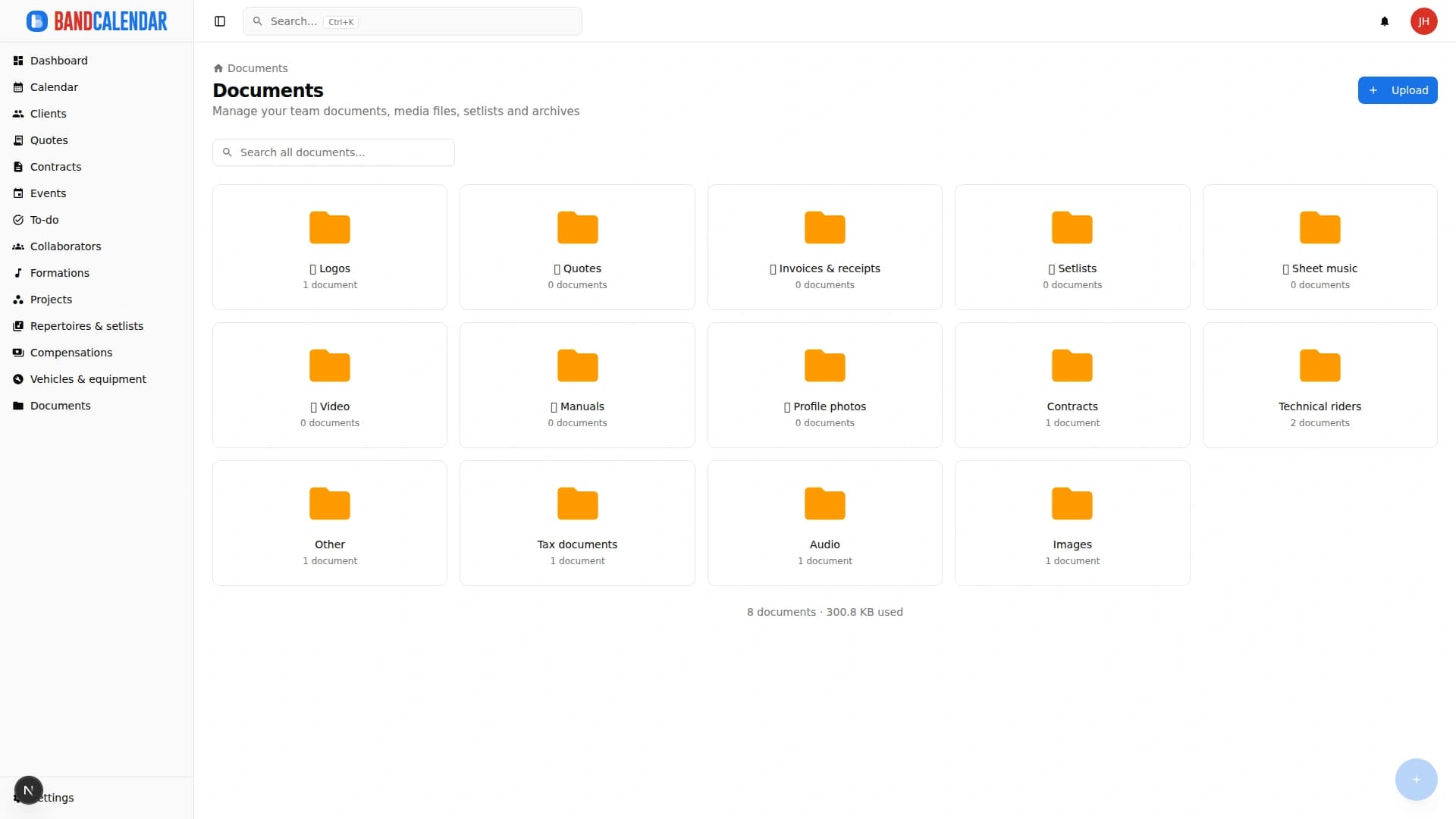
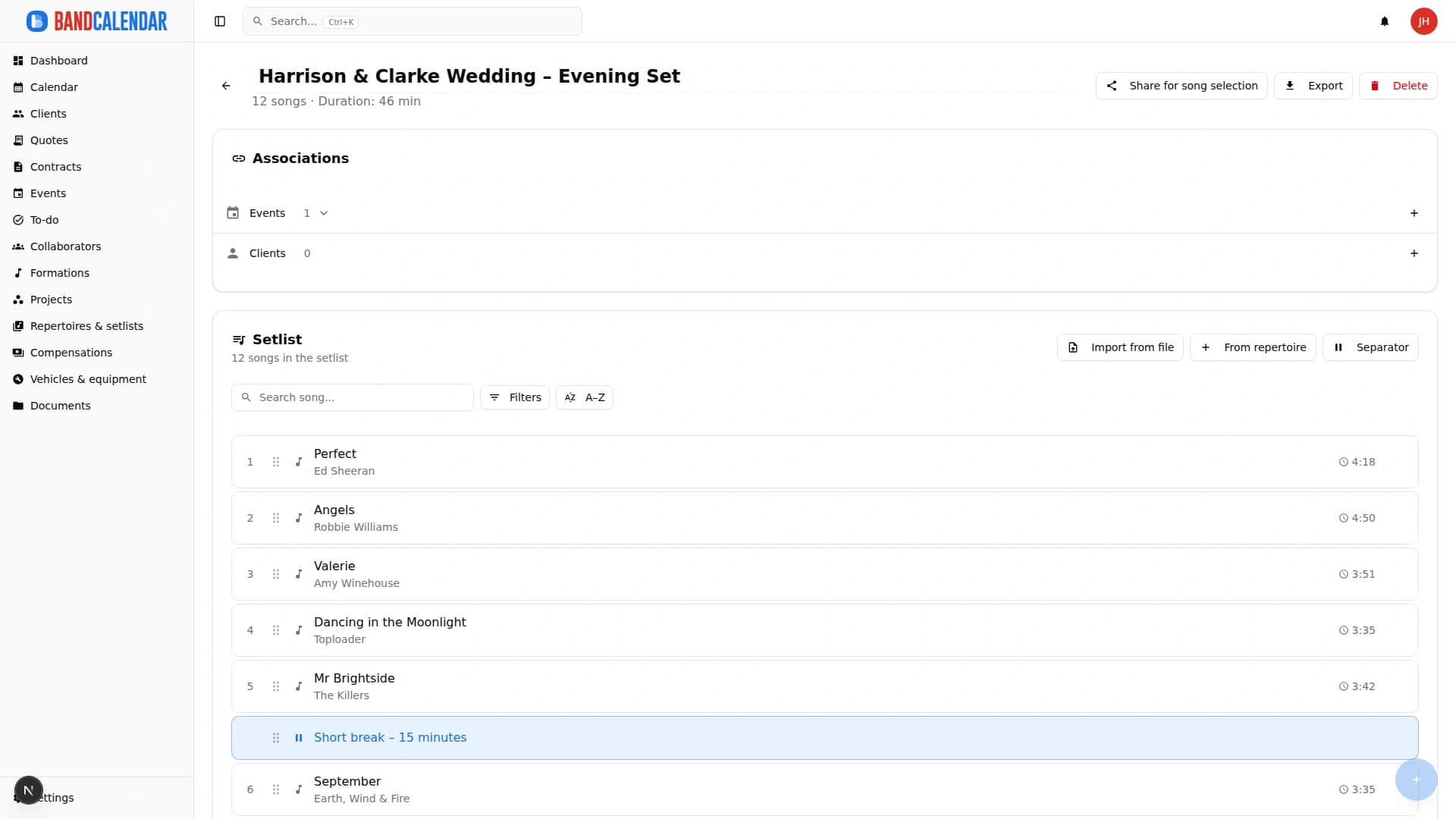
Connected pages
Manage the band's real lineup: core musicians, substitutes, extra collaborators, roles, instruments, lineups, projects, linked events, payments, documents and different team permissions.
Organize PDFs, riders, contracts, quotes, images, audio, video, versions and public links in a cloud archive connected to clients, events, collaborators, lineups and projects, with contextual upload dialogs, PWA offline and controlled collaborator visibility on the event.
Create professional quotes and contracts for music services from separate content and layout templates, with rich text editing, preview-consistent PDFs, services and expense reimbursements, online quote acceptance, public links and click-to-accept simple electronic signature without a client account.
An operational calendar for musicians and bands that connects sales pipeline, clients, gigs, rehearsals, tasks, reminders, lineups, documents, Excel export and personal Google Calendar and Apple Calendar/iCloud sync.
FAQ
Yes, for lists, ideas, checklists and personal organization. The limit appears when you need structured links between documents, events, Finances and collaborators.
It is less generic, but more immediate for music work. The goal is not to build any database, but to manage bookings, clients, documents and teams well.
Of course. BandCalendar covers the operational management side; generic tools can still be useful for brainstorming and content.
The comparison is useful, but the real difference is in connected quotes, events, documents, setlists and payments.